Remember where you left off
with a practice journal for every piece

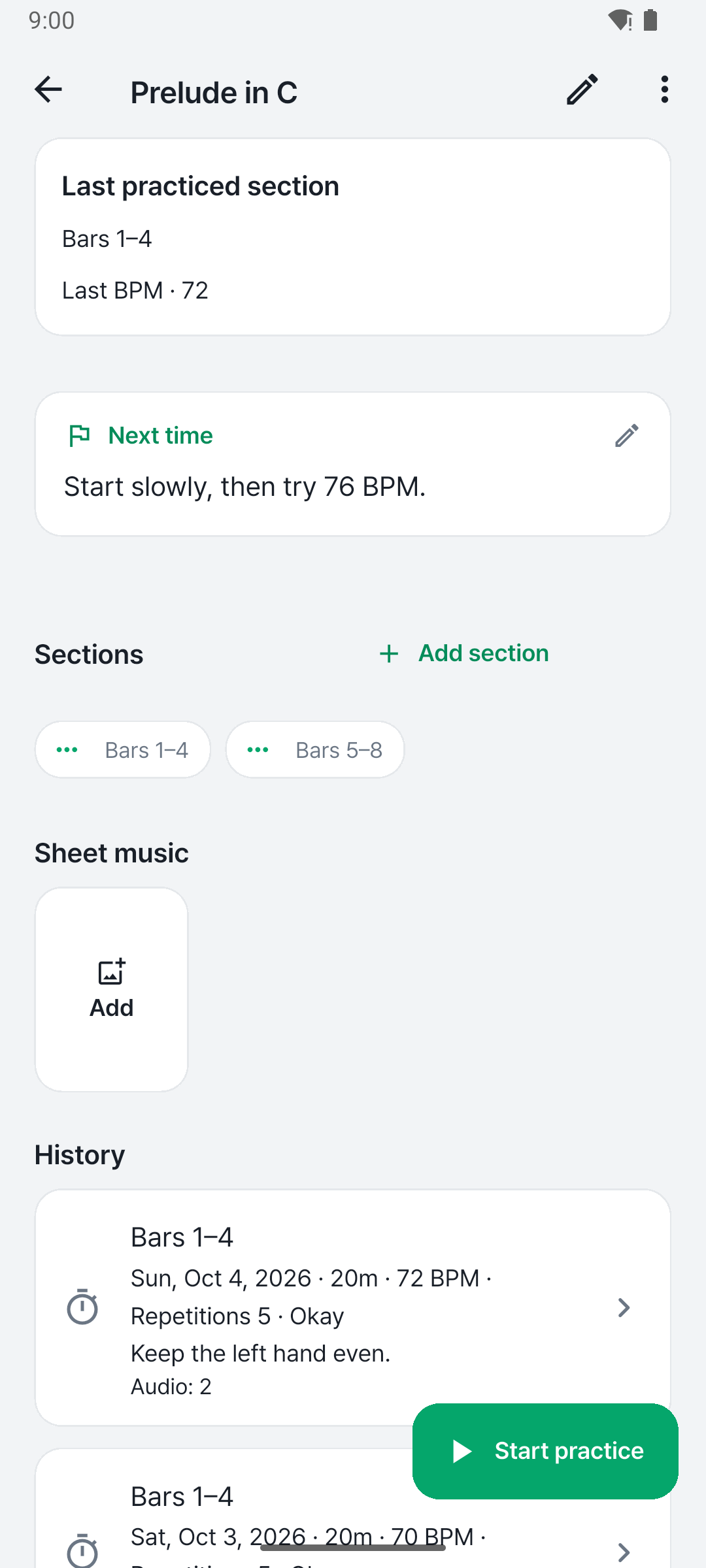
Which bars needed work? What did you want to try next? PracNote brings your practice time, notes and recordings together so you can return to a piece with a clear starting point.

Get it on Google Play

Android · No account needed · No ads
Your practice log stays on your phone

Install it and start right away. Practice entries and recordings are stored on your device and never sent to our servers. Backup files go wherever you choose.

Start without an account

Log your first session right after installing. No sign-up required.

Entries and recordings on your device

Practice time, notes and recordings are saved on your phone. We never see them.

No ads

There are no ads in the app. Premium is a one-time purchase, not a subscription.

How it works

01

Pick a piece and start

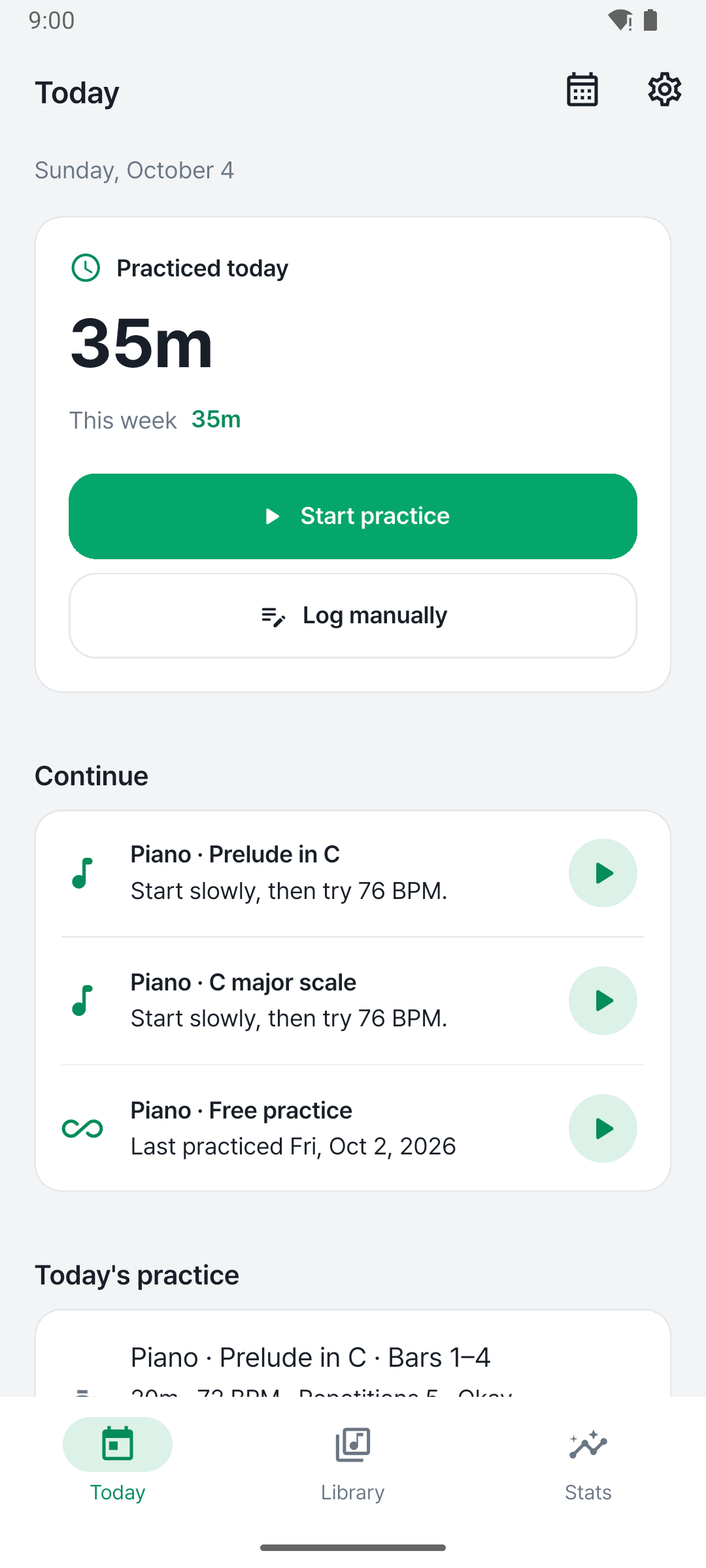
Choose an instrument, piece or exercise and start the timer to log your practice time.

02

Leave notes and recordings

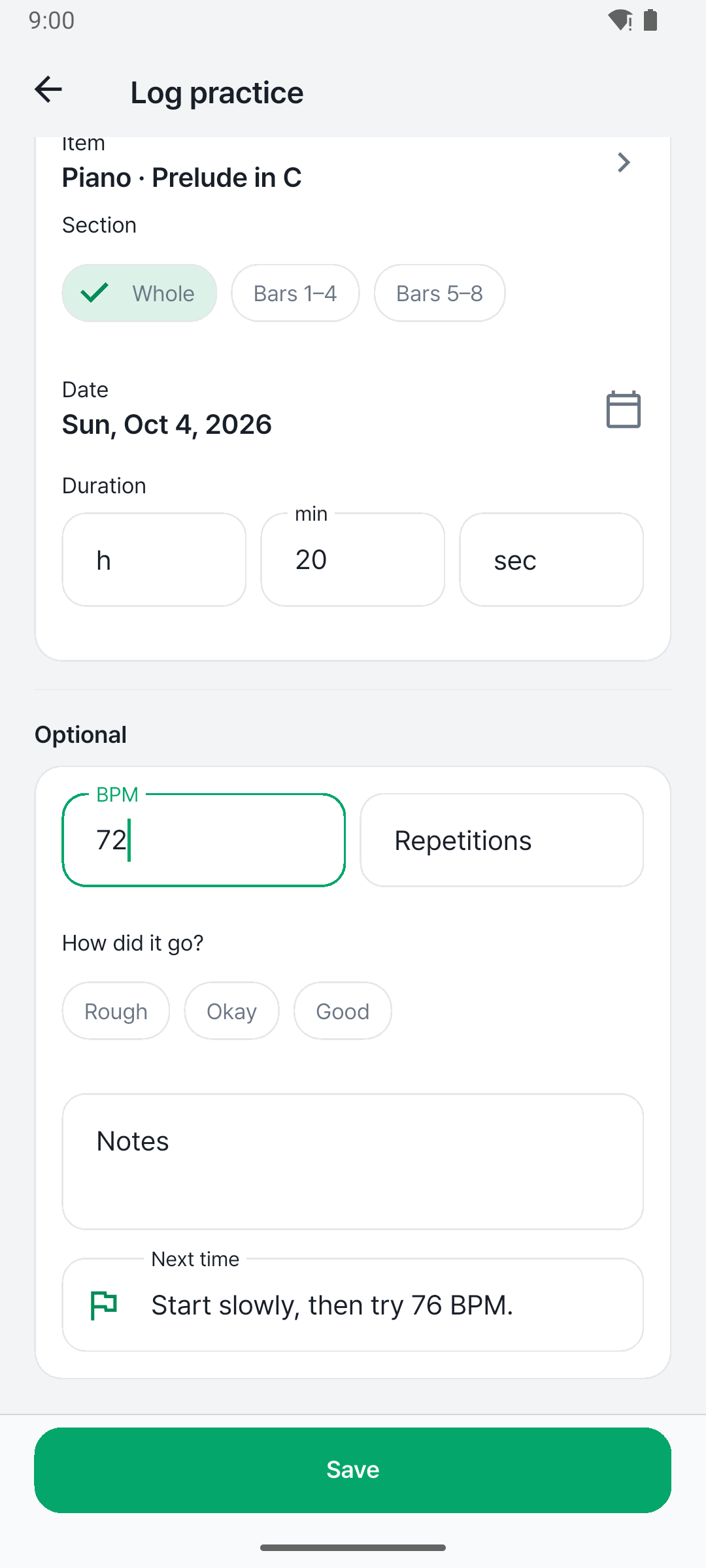
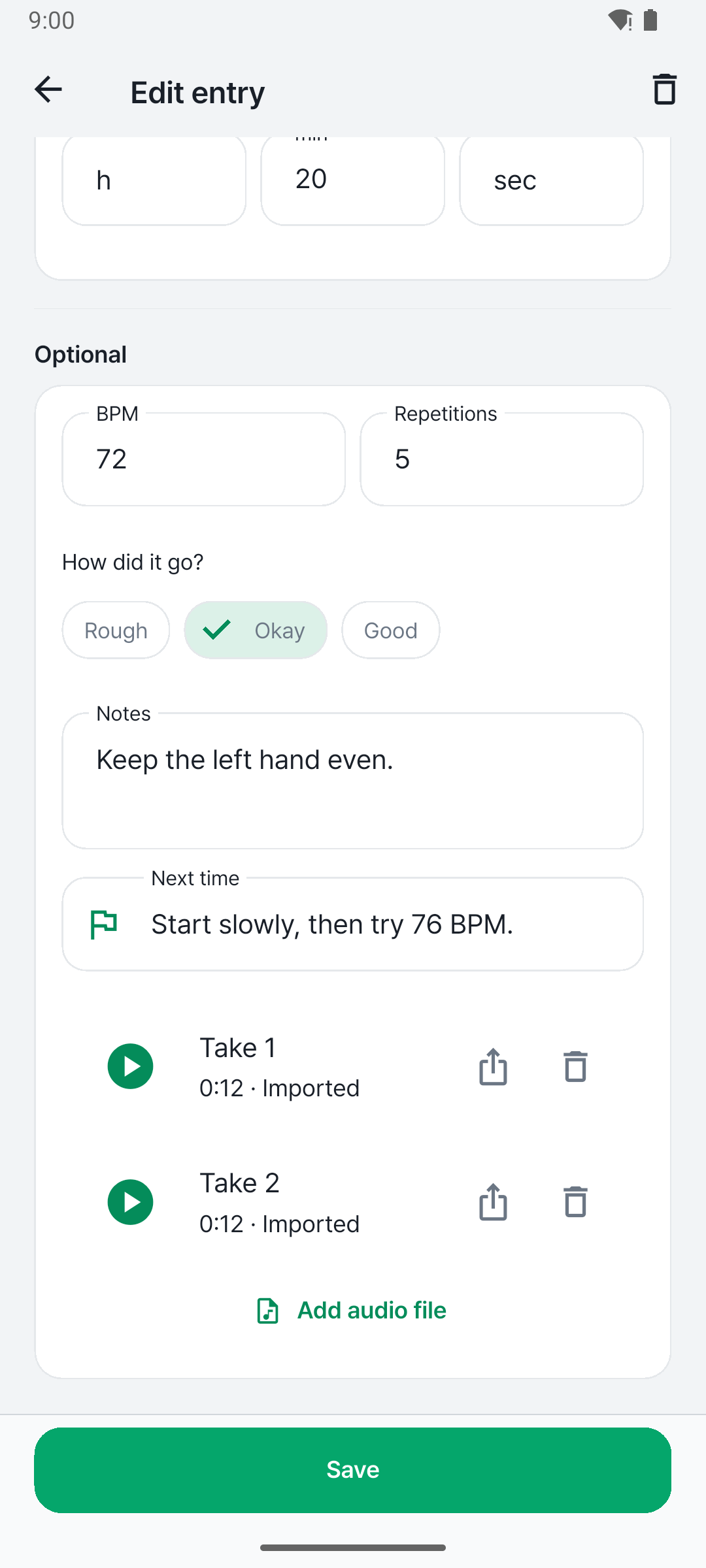
Write down tricky passages, the tempo you used and what to try next, and record your playing.

03

Continue next time

Check your last notes and tempo, then start with what needs attention today.

What you can do with PracNote

Log practice time with a timer

Choose a piece or exercise and start the timer. Add sessions you've already finished by entering the time and a note.

  • Timer keeps running with the screen off
  • Add finished sessions manually

Record and listen back

Record your playing during practice and listen back inside the app. Each recording stays with its practice entry.

  • Recordings saved with each entry
  • Note tricky passages and next steps

Keep time with the metronome

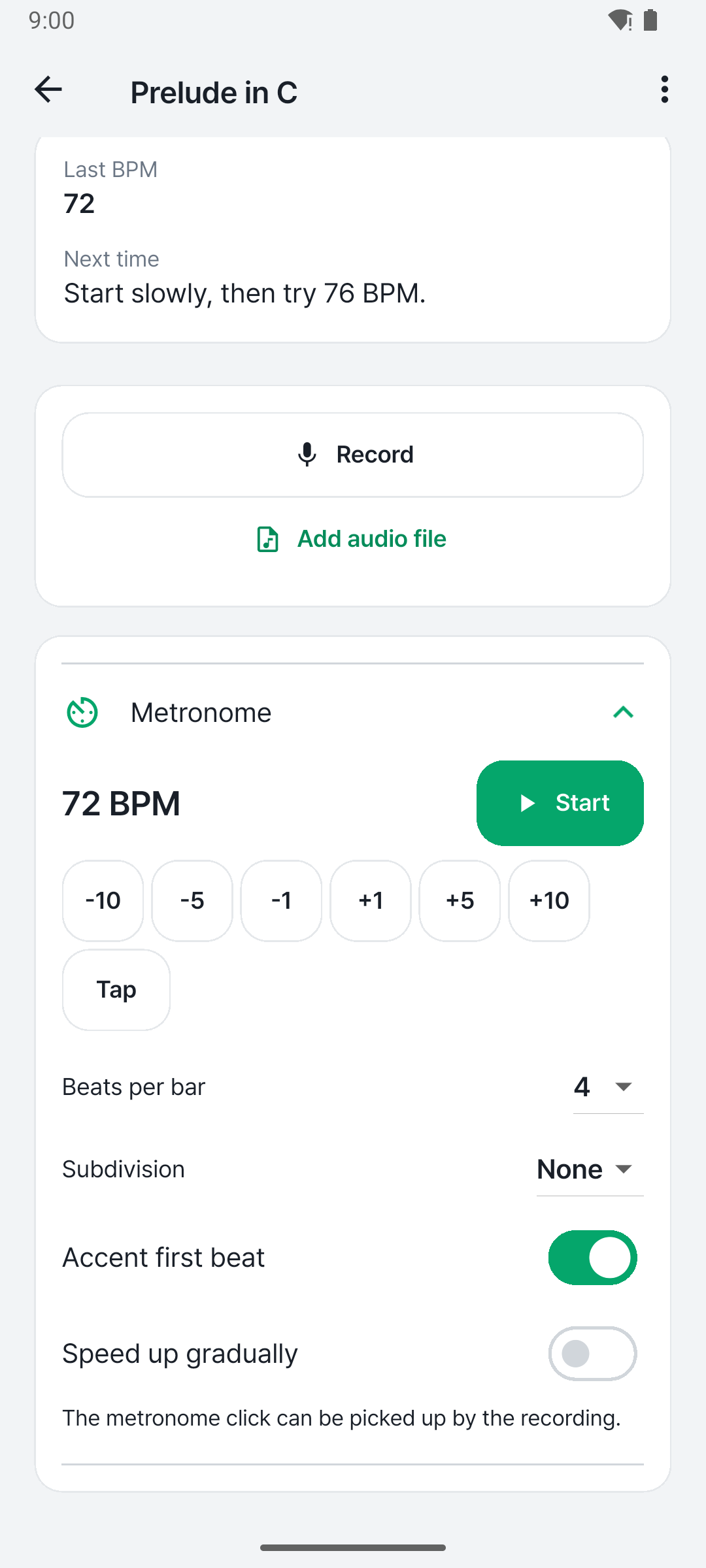
Turn on the metronome from the practice screen. The tempo you practiced is saved so you know where to start next time.

  • Metronome on the practice screen
  • Tempo saved with each entry

Start your usual practice with routines

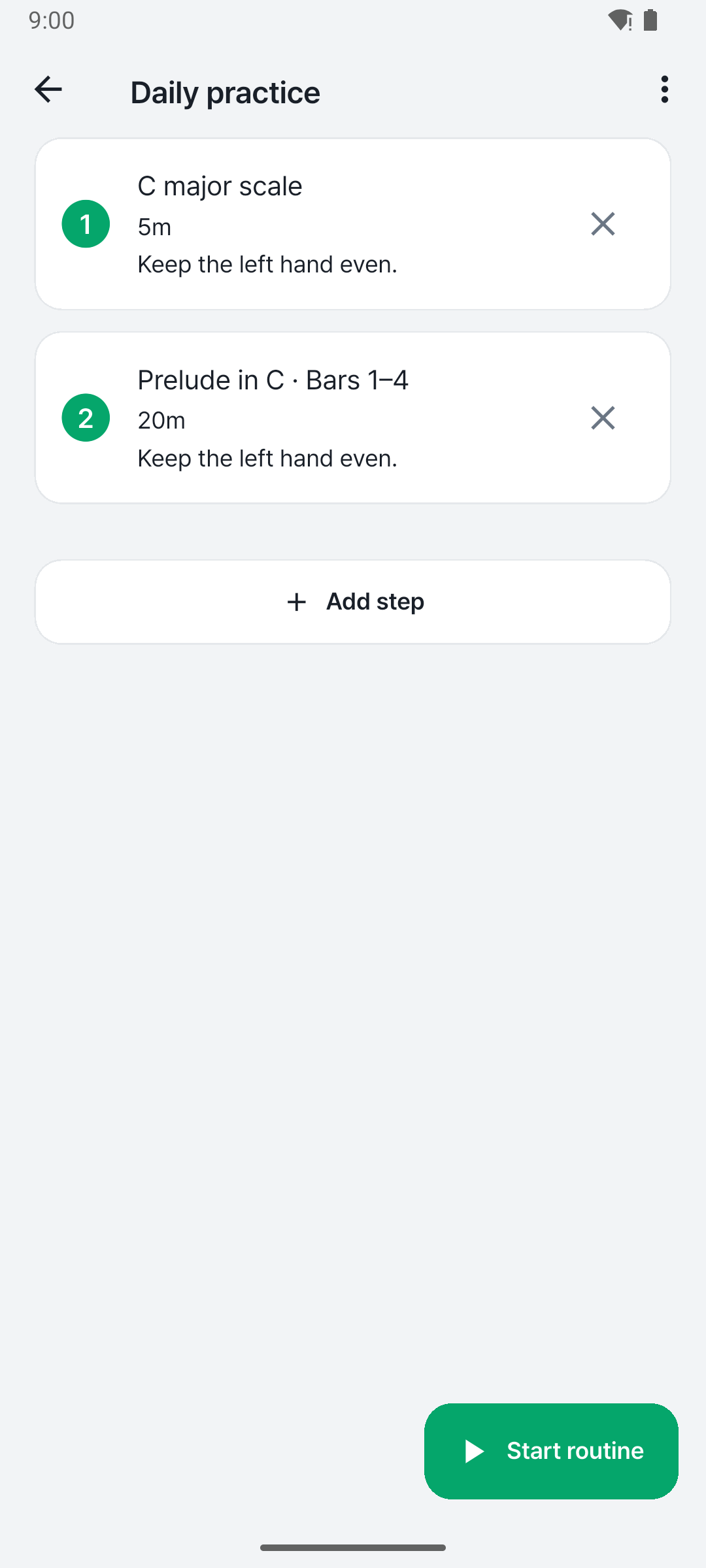
Group scales, etudes and repertoire into a routine and start them in one tap.

  • Save your practice order as a routine
  • Start practice right from a routine

See your progress on the calendar and stats

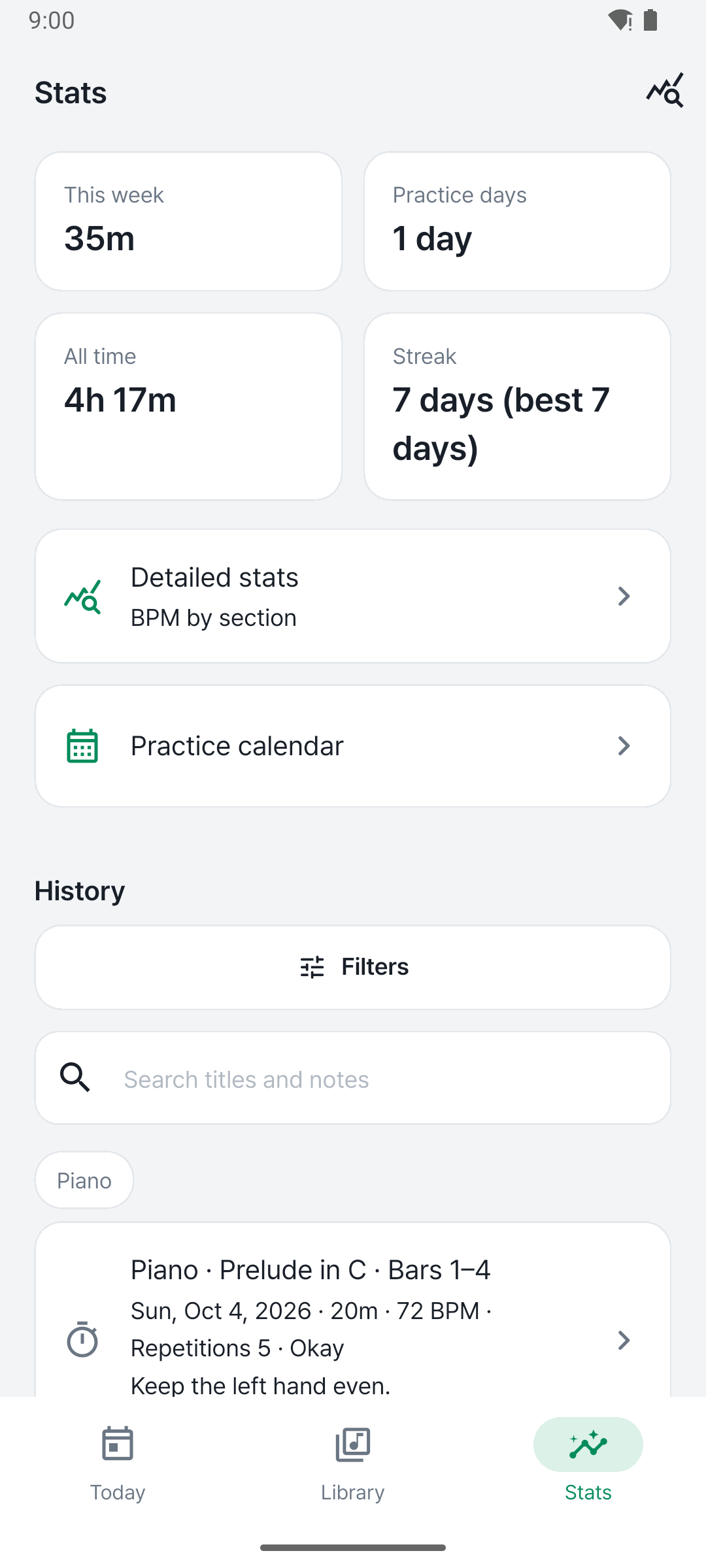
Review practice days and time on the calendar and set a weekly goal that fits your schedule. Find past entries by instrument and piece.

  • Calendar and weekly goals
  • Entries by instrument and piece, detailed stats

Backup and CSV export

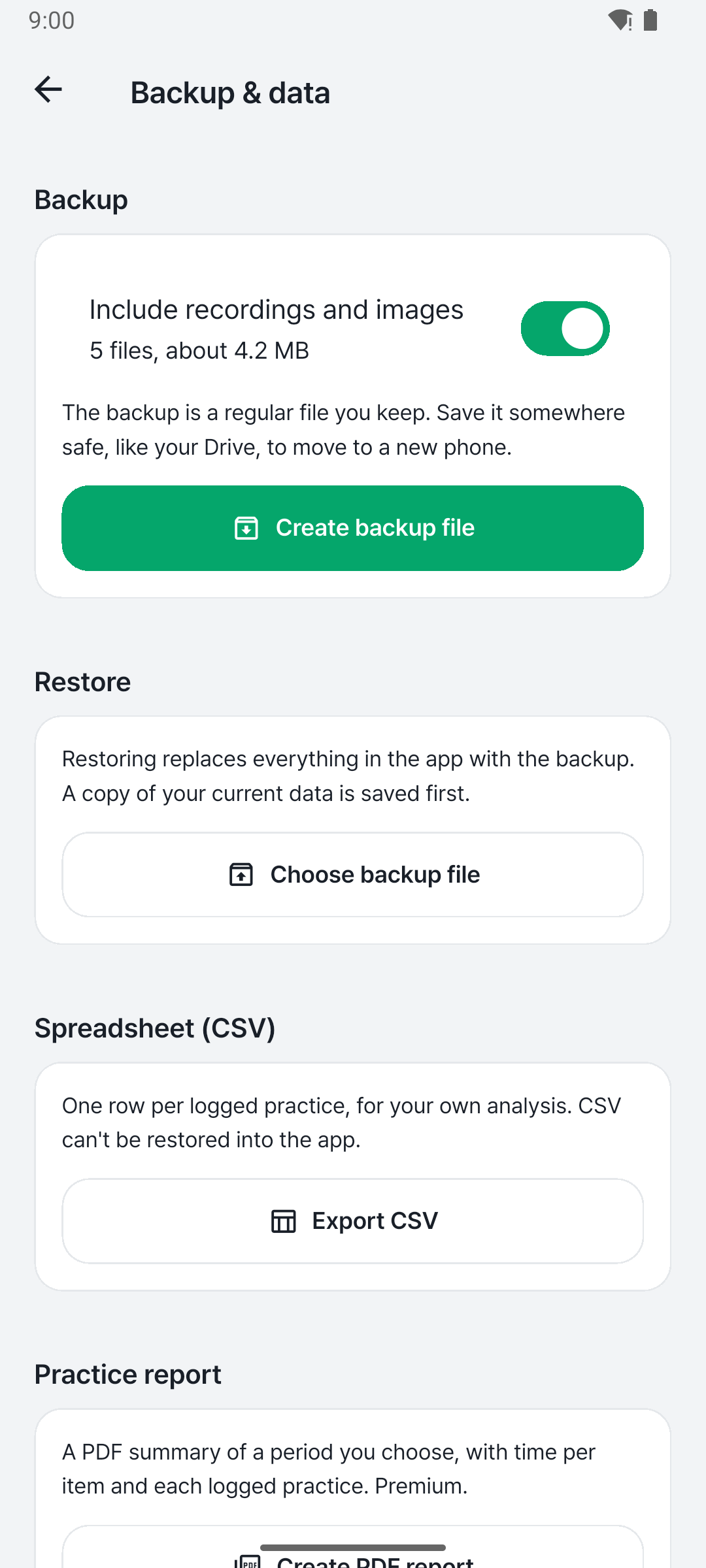
Save your data to a backup file and restore it on a new phone. Export your practice log as a CSV file.

  • Back up and restore with a file
  • Export your log as CSV

Frequently asked questions

What is PracNote?

PracNote is a music practice journal that keeps practice time, notes, recordings and tempo together for each piece and exercise. You can check your last notes and tempo and pick up where you left off. It is available on Android.

Which instruments does it support?

You can pick piano, guitar, voice, violin, cello, bass, drums, flute, ukulele or saxophone, or type the name of any other instrument.

Where are my entries and recordings stored?

They are stored on your phone and are not sent to our servers. When you change phones, create a backup file and restore it on the new device.

Do I need an account?

No. You can start using the app right after installing it.

Is it free? Are there ads?

PracNote is free to download and has no ads. A one-time Premium purchase unlocks more routines and goals, detailed statistics and tempo charts. It is not a subscription.

Can I move my data to a new phone?

Create a backup file in Settings and restore it on the new phone. You can also export your practice log as a CSV file.

Log today's practice

Start from where you left off and spend less time wondering what to practice.

Android · Download now

Get it on Google Play